Skip to content
Contact Us

RevPartners Design System

Do you want to create awesome RP assets that stay on brand every time?

Sasha has done the hard work of yelling at Claude for hours until it produced a package of instructions and examples any agent can follow.

Set it up with the instructions below.
Drawing - Blocks Green
RP Design MD
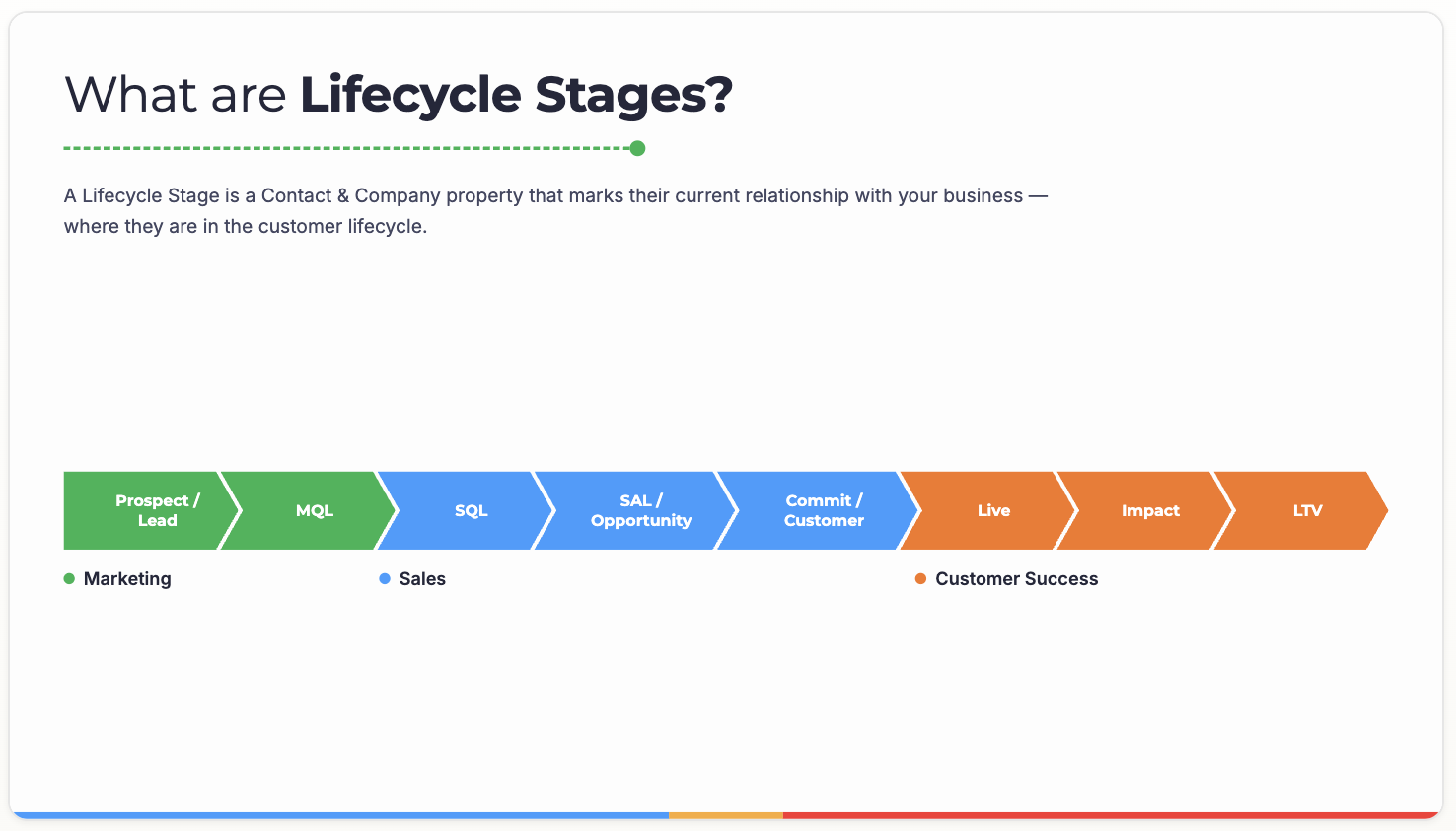
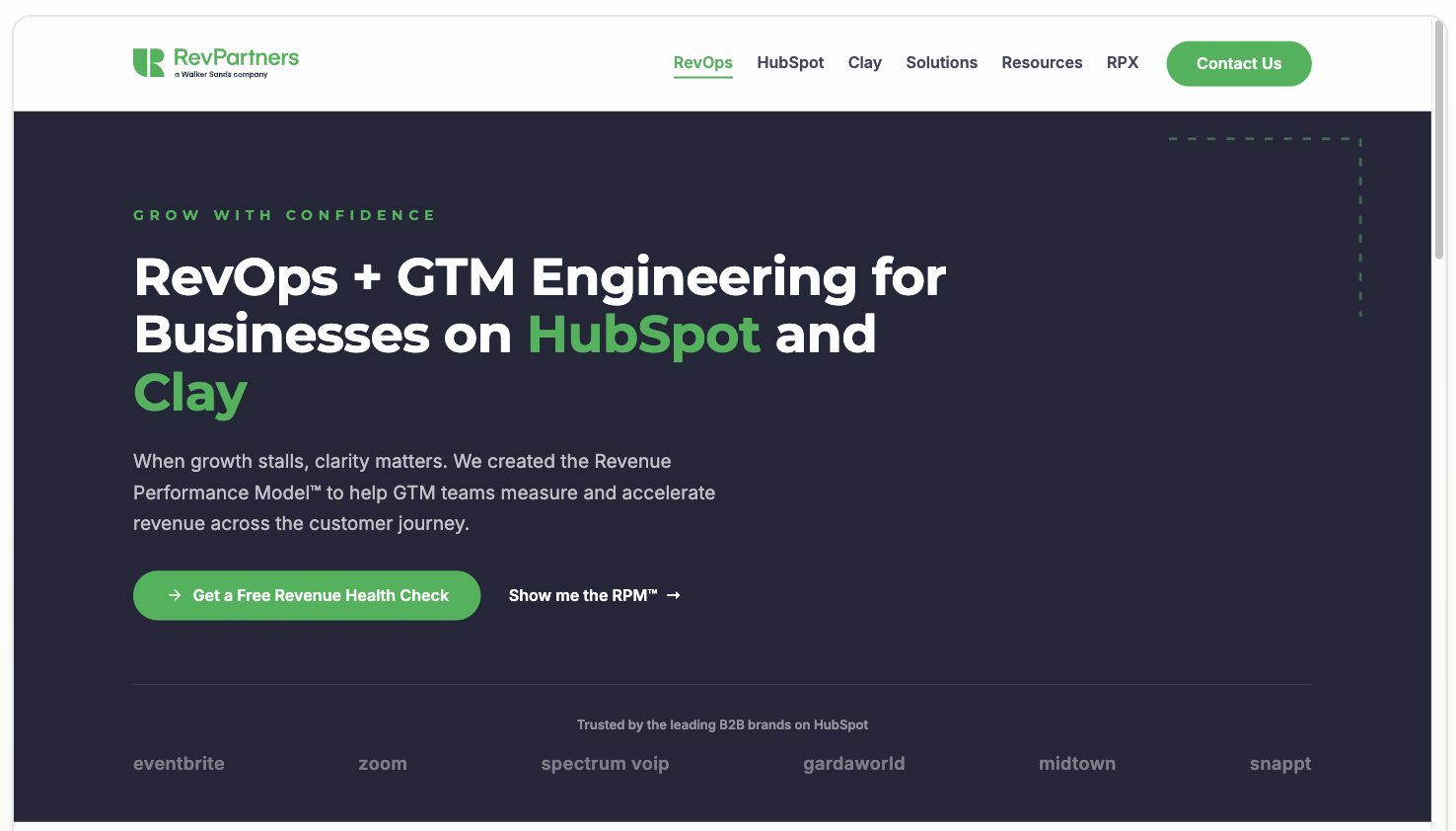
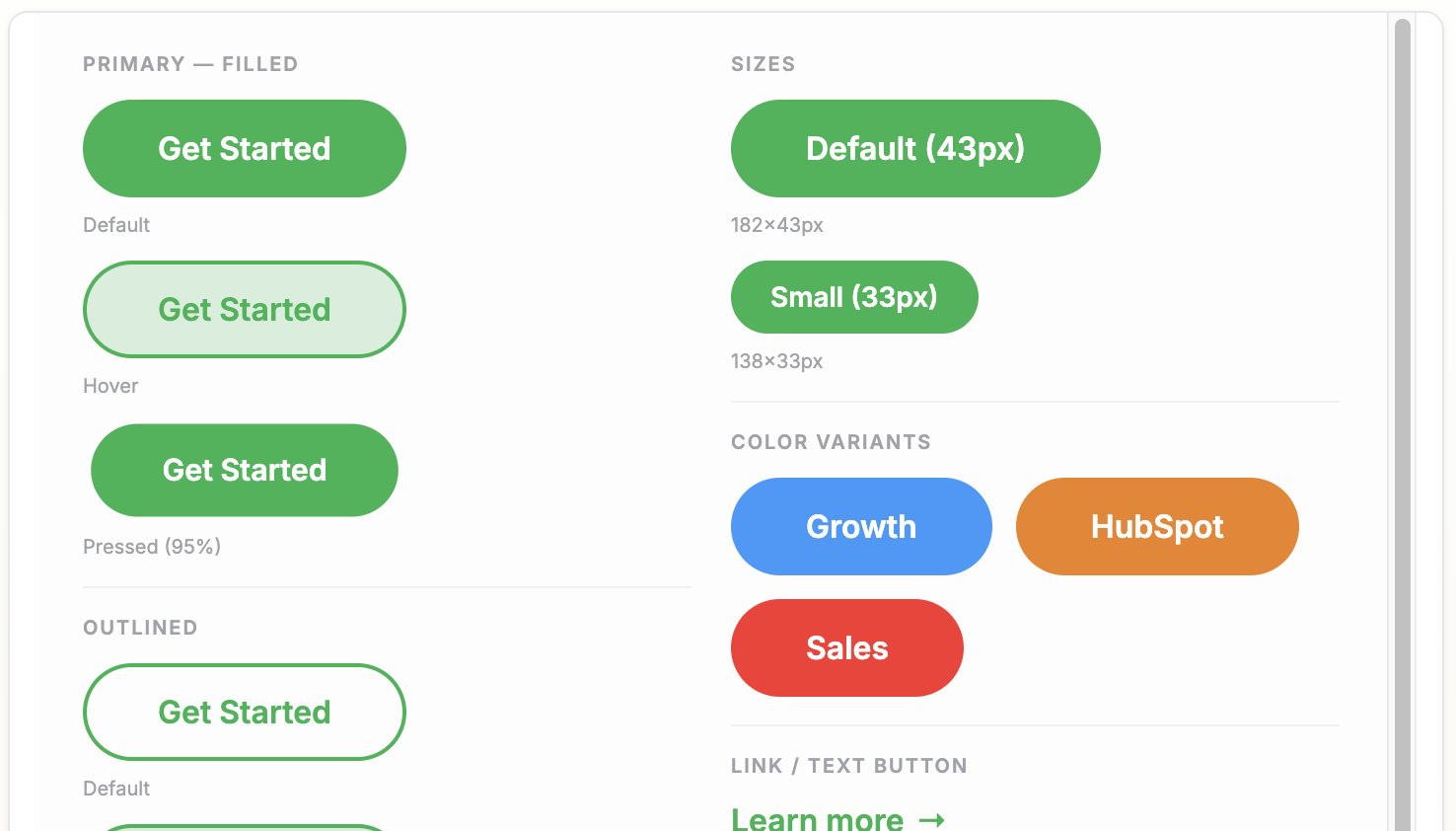
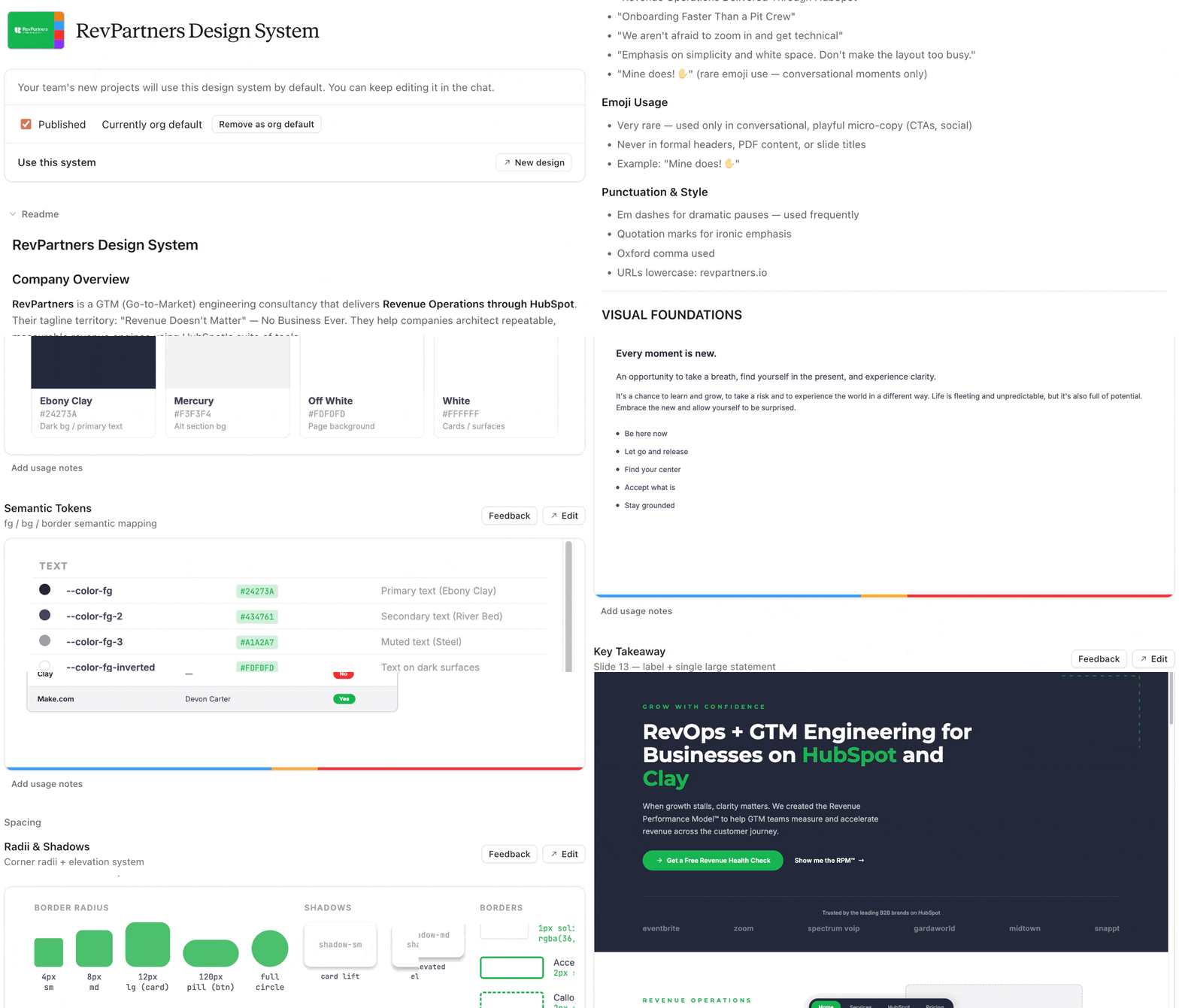
RevPartners Design System - Arc - 2026-08-August 04꞉03 PM꞉29@2x
RevPartners Design System - Arc - 2026-08-August 04꞉04 PM꞉28@2x
RevPartners Design System - Arc - 2026-08-August 04꞉03 PM꞉57@2x

What can you make?

  1. Slides
  2. PDFs
  3. Docs
  4. 1-pagers
  5. Ads
  6. Web pages (not in hubspot)
  7. Tools
  8. Designs
RevPartners Design System - Arc - 2026-08-August 04꞉05 PM꞉50

Method 1: Using Claude

Difficulty: Low

This is the proper method. Use this when you can.

  1. Download the Design System zip file.

  2. Unzip it on your computer somewhere it won't get deleted.

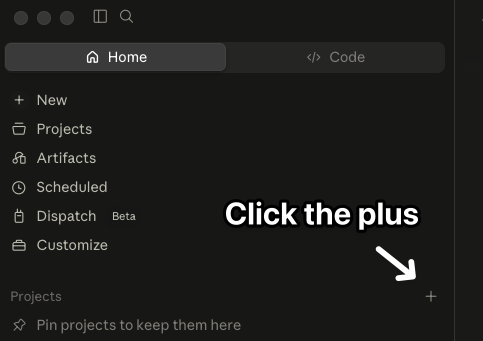
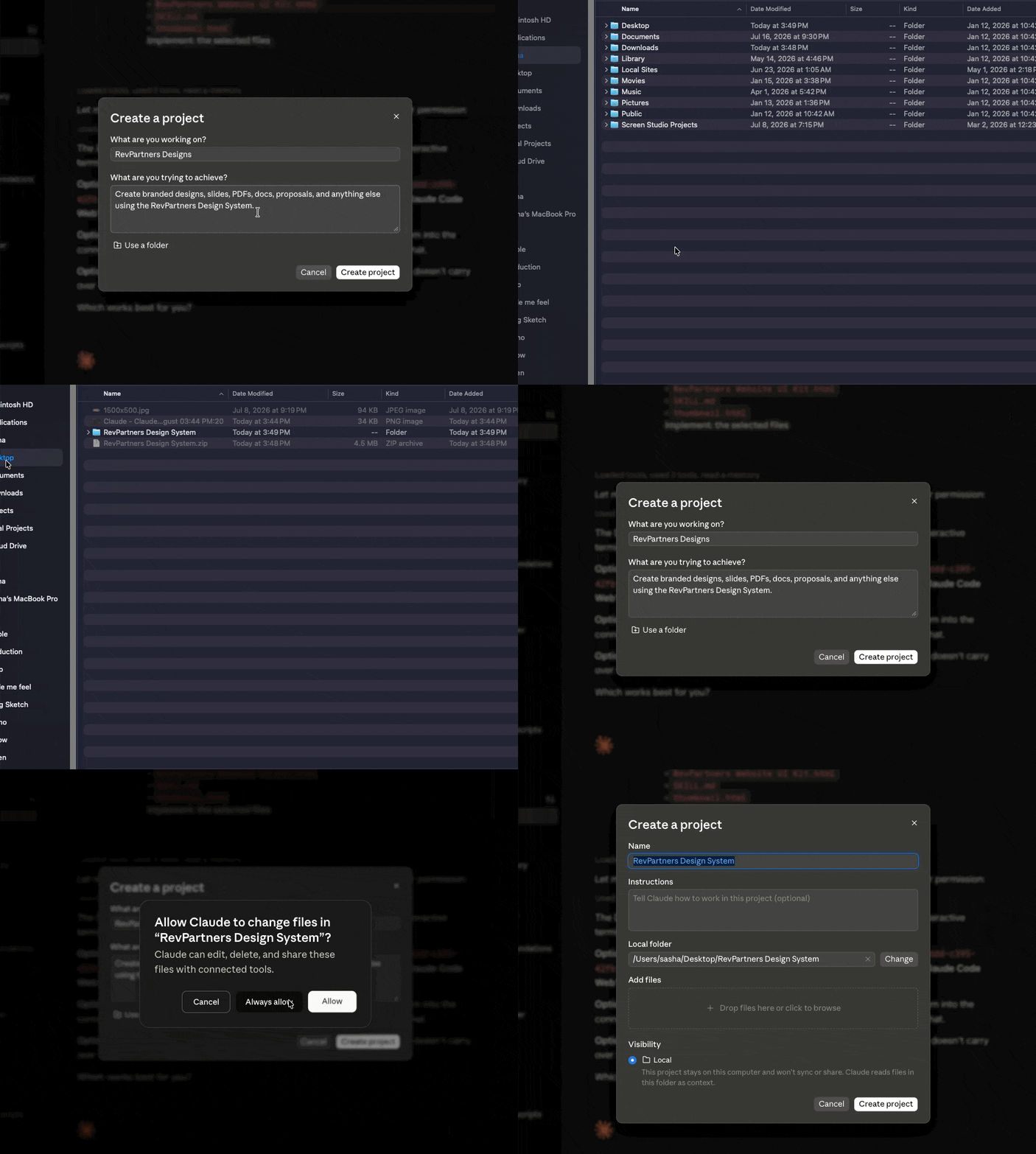
  3. Open Claude and create a new project
Click the plus in Claude projects
4. Set up your project and point it at your folder. 
Claude - Claude - 2026-08-August 03꞉51 PM꞉43
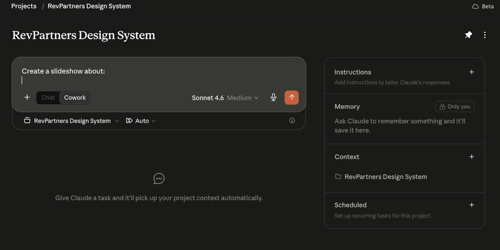
5. That's it. Begin prompting.
Claude - Claude - 2026-08-August 03꞉53 PM꞉40

Method 2: Any AI Chat

Difficulty: Low

Only use this when you need something quick and simple.

Step 1: Download DESIGN.md

Step 2: Add it to your AI prompt

Step 3: Ask for design.

Method 2: Any AI Coding Agent

Difficulty: Medium

Use with: Cursor, Claude Code, Codex, Windsurf, etc.

  1. Download the Design System zip file.

  2. Unzip it on your computer somewhere it won't get deleted.

  3. Open your coding harness of choice and open the folder. 
  4. Start prompting.